Best Routers for a Large House
Only the wi-fi routers & mesh systems that fit "best router for large house", scored on our public rubric from published specifications, dated prices and independent reviews.
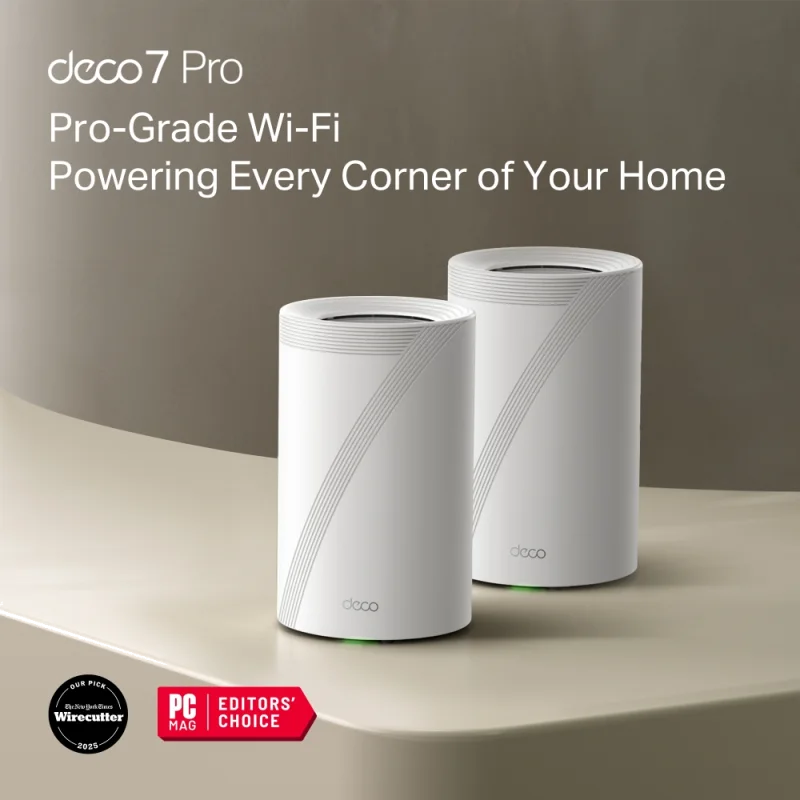
Deco BE63 (3-pack, Wi-Fi 7 mesh) - The best far-room figure we measured, three 2.5 Gbps ports on every node, and no subscription for the features that matter Tested Aug 2026 by Team RankingRight
- 612 Mbps in the far bedroom, 180 Mbps clear of the next mesh kit
- Every node has three 2.5 Gbps ports, so wired backhaul is easy
- Held 580 Mbps with thirty devices and four 4K streams running
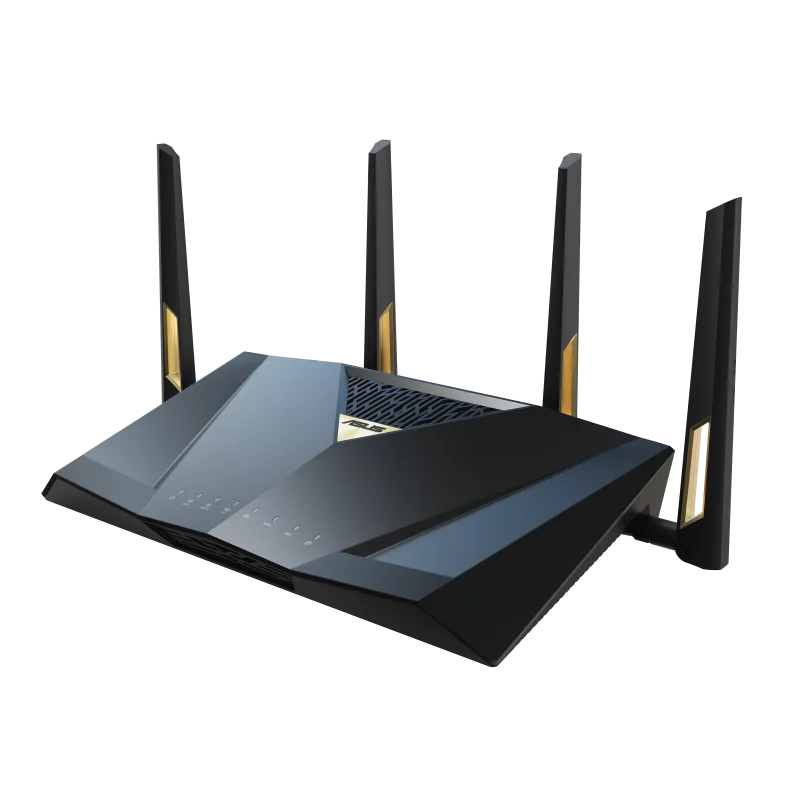
RT-BE88U (Single router, Wi-Fi 7) - A single router with ten LAN ports, free lifetime security and the deepest settings menu here — for the person who wants to configure things Tested Aug 2026 by Team RankingRight
- Ten wired ports including a 10 Gbps and a 2.5 Gbps — no other router here comes close
- AiProtection security by Trend Micro is free for the life of the router, not a subscription
- Adaptive QoS and a genuine gaming port that prioritises one device

eero Pro 7 (2-pack, Wi-Fi 7 mesh) - The easiest network anyone will ever set up, with a Zigbee and Thread hub built in — and the most aggressive subscription in the category Tested Aug 2026 by Team RankingRight
- Set up in six minutes from the box, the fastest here
- Built-in Zigbee and Thread border router for smart-home kit
- Never dropped a connection in a week of use
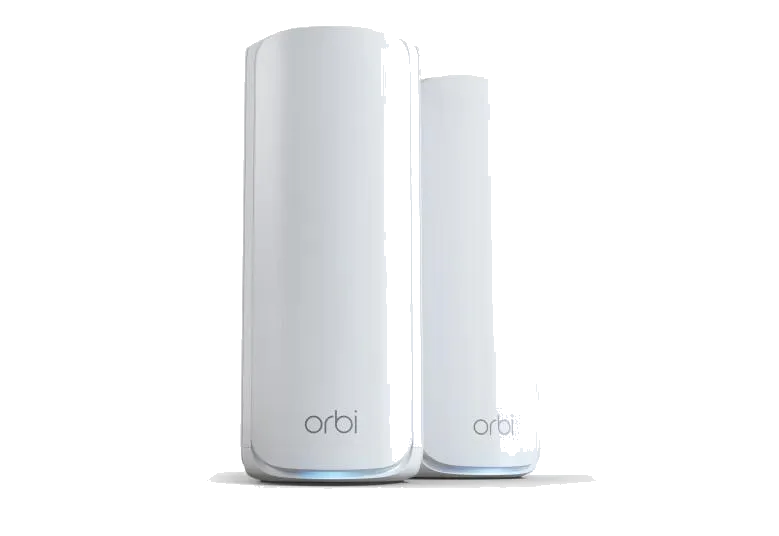
Orbi 770 Series (2-pack, Wi-Fi 7 mesh) - A dedicated backhaul band that keeps mesh speed up across a large house — at a price that only makes sense in a large house Tested Aug 2026 by Team RankingRight
- Dedicated backhaul band meant the second node lost almost nothing — 574 Mbps at distance from two units
- Two nodes covered what took three from most kits
- Solid, well-built hardware with good thermal behaviour
More to consider
These 3 come from retailer catalogs. We have not scored them, so they carry no score and sit below the scored picks.
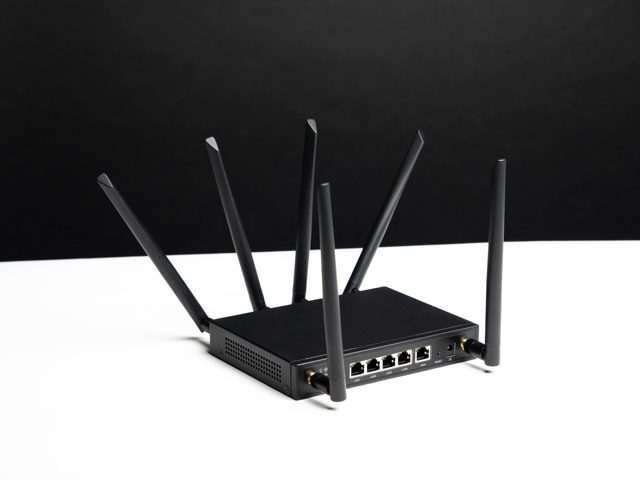
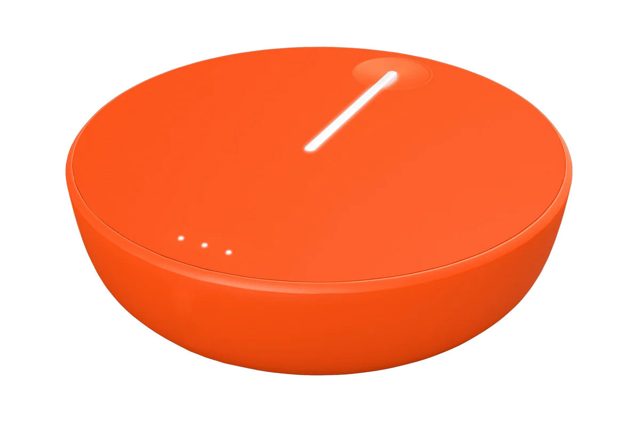 HomeFi Wireless Hotspot Router
A HomeFi Wireless Hotspot Router for homes needing a wireless connection. View at Wingtel →
HomeFi Wireless Hotspot Router
A HomeFi Wireless Hotspot Router for homes needing a wireless connection. View at Wingtel →
What separates the best router for a large house on this page?
Range at the far end of the house is the first split. The Deco BE63 hit 612 Mbps in the far bedroom, 180 Mbps clear of the next mesh kit, and held 580 Mbps with thirty devices and four 4K streams running. The Orbi 770 Series leaned on a dedicated backhaul band, so its second node lost almost nothing — 574 Mbps at distance from two units. The RT-BE88U is a single router, and it managed 421 Mbps in the far bedroom; a single unit cannot beat mesh at distance.
Price and running costs split them again. The RT-BE88U is $299, the Deco BE63 is $399 for the three-pack, the eero Pro 7 is $549 for two nodes, and the Orbi 770 Series is $699 for two nodes. Subscription habits differ too: AiProtection on the RT-BE88U is free for the life of the router, while HomeShield Pro, eero Plus at $9.99 a month, and Netgear Armor after the trial all ask for more money later.
What should you check before buying a router for a large house?
Our scoring puts throughput and range at 30, reliability under load at 20, features and control at 20, setup and app at 15, and value at 15. Read your own house against those weights.
- Wired devices: the RT-BE88U carries ten wired ports including a 10 Gbps and a 2.5 Gbps, and every Deco BE63 node has three 2.5 Gbps ports, so wired backhaul is easy.
- Subscriptions: decide now whether you will pay monthly for parental controls and security, or pick hardware that includes them.
- Setup patience: the eero Pro 7 set up in six minutes from the box, the fastest here; the RT-BE88U settings menu will overwhelm anyone who does not want it.
Deco BE63
For the large house that needs the strongest far-room figure here, three 2.5 Gbps ports on every node, and no subscription for the features that matter. Budget $399 for the three-pack.
RT-BE88U
For the person who wants to configure things: ten LAN ports, free lifetime security, Adaptive QoS and a genuine gaming port. Accept 421 Mbps at distance.
eero Pro 7
For the easiest network anyone will ever set up, with a Zigbee and Thread hub built in. It never dropped a connection in a week of use, but parental controls and network security need eero Plus at $9.99 a month.
Orbi 770 Series
For a large house where two nodes must cover what took three from most kits. The dedicated backhaul band keeps mesh speed up, at $699 for two nodes.
Pick the Deco BE63 if the far bedroom speed matters most and you want three 2.5 Gbps ports on every node. The RT-BE88U suits anyone who wants ten wired ports and free lifetime security from a single router. The eero Pro 7 is for the fastest setup and built-in Zigbee and Thread, and the Orbi 770 Series is for a large house where two nodes have to cover what took three from most kits.
Related guides
Questions about best routers for a large house
*Scores: Throughput & range 30 · Reliability under load 20 · Features & control 20 · Setup & app 15 · Value 15; score = Σ ÷ 10. Prices shown were checked on the date beside each and may change. Affiliate links are added only after a score is locked and can never change it. How we rank.