Best Routers for an Apartment
Only the wi-fi routers & mesh systems that fit "best router for apartment", scored on our public rubric from published specifications, dated prices and independent reviews.

Nest Wifi Pro (3-pack, Wi-Fi 6E mesh) - Mesh that looks like an ornament rather than a router, with a Thread border router inside and no subscription anywhere Tested Aug 2026 by Team RankingRight
- No subscription for anything, including the parental controls
- Thread border router and Matter support built into each node
- Nodes look like a lamp, not networking kit

eero Pro 7 (2-pack, Wi-Fi 7 mesh) - The easiest network anyone will ever set up, with a Zigbee and Thread hub built in — and the most aggressive subscription in the category Tested Aug 2026 by Team RankingRight
- Set up in six minutes from the box, the fastest here
- Built-in Zigbee and Thread border router for smart-home kit
- Never dropped a connection in a week of use
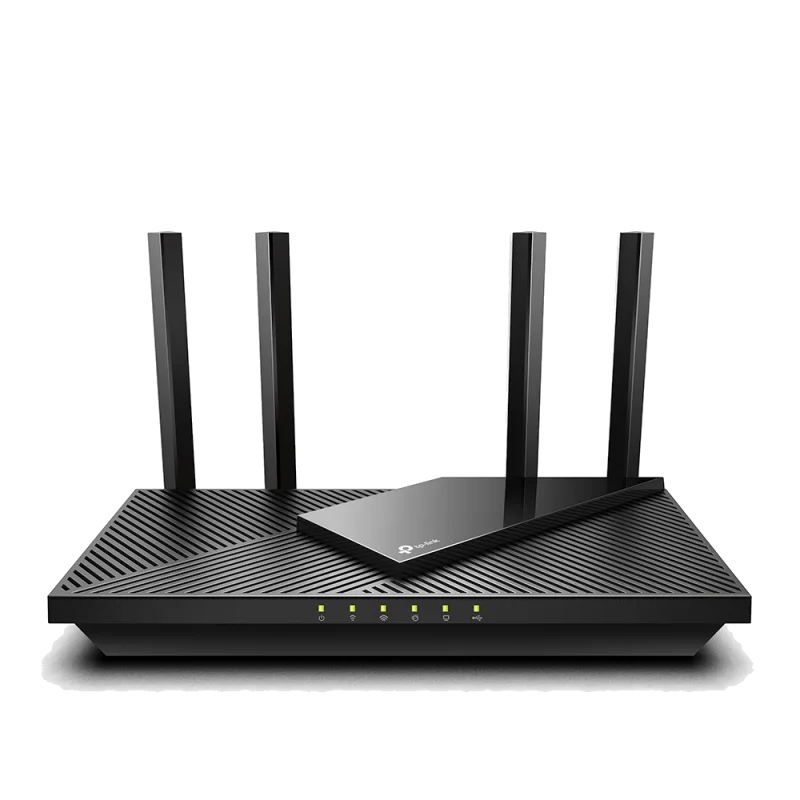
Archer AX55 (Single router, Wi-Fi 6) - Wi-Fi 6 that covers an apartment properly for under $80 — the router most people should buy before spending more Tested Aug 2026 by Team RankingRight
- $79 and it saturated our gigabit line in the same room
- Perfectly adequate through a one or two-bedroom flat
- Free basic parental controls and QoS
More to consider
These 9 come from retailer catalogs. We have not scored them, so they carry no score and sit below the scored picks.
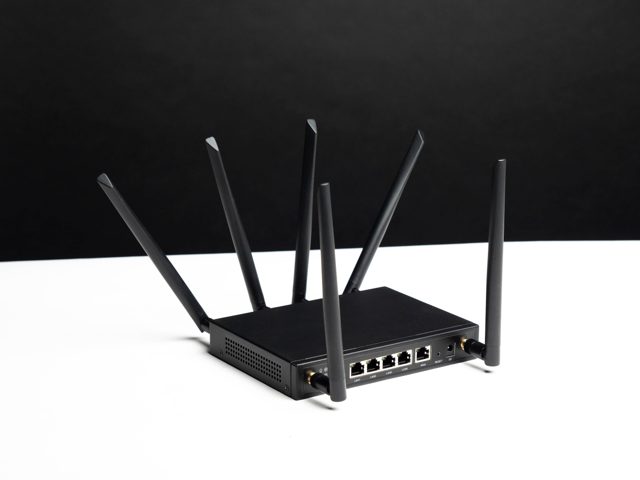 HomeFi LTE Router
A HomeFi LTE router that provides internet access through a cellular connection. View at Wingtel →
HomeFi LTE Router
A HomeFi LTE router that provides internet access through a cellular connection. View at Wingtel →
 HomeFi Wireless Hotspot Router
A HomeFi wireless hotspot router for sharing a connection with nearby devices. View at Wingtel →
HomeFi Wireless Hotspot Router
A HomeFi wireless hotspot router for sharing a connection with nearby devices. View at Wingtel →
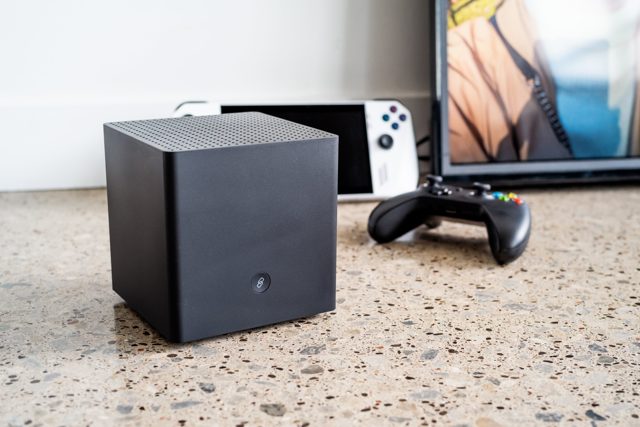
 RadiX AXE6600 WiFi 6E Tri-Band Gaming Router
A WiFi 6E tri-band gaming router from MSI. View at MSI →
RadiX AXE6600 WiFi 6E Tri-Band Gaming Router
A WiFi 6E tri-band gaming router from MSI. View at MSI →
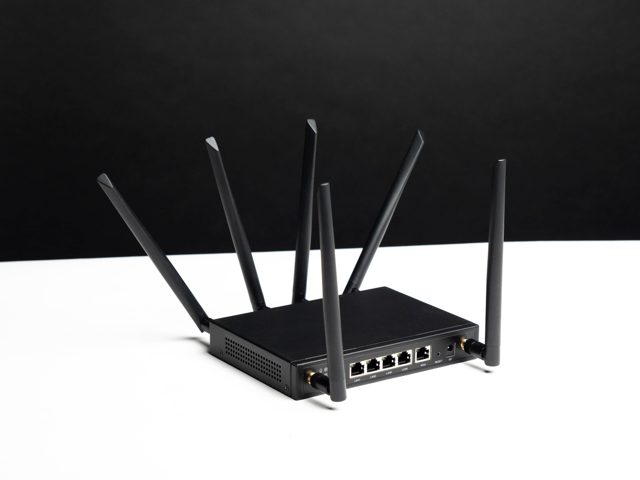 HomeFi LTE Router
A HomeFi LTE router that connects to the internet over a cellular network. View at Homefi →
HomeFi LTE Router
A HomeFi LTE router that connects to the internet over a cellular network. View at Homefi →
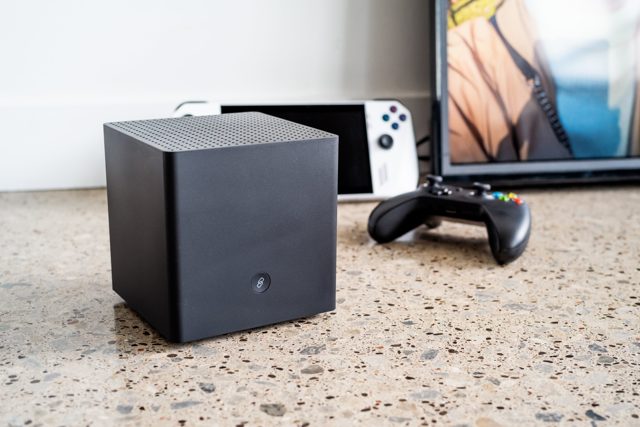
 HomeFi Wireless Hotspot Router
A HomeFi wireless hotspot router for sharing internet with devices nearby. View at Homefi →
HomeFi Wireless Hotspot Router
A HomeFi wireless hotspot router for sharing internet with devices nearby. View at Homefi →
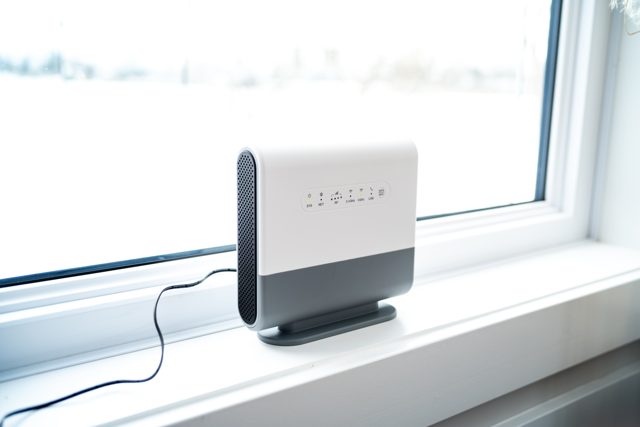
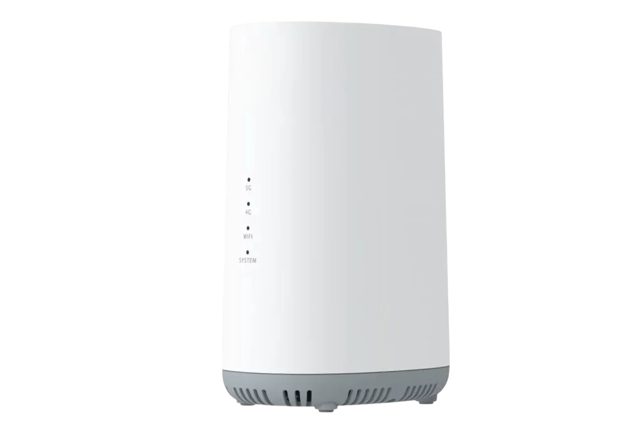 HomeFi 5G Nexus Router
A HomeFi 5G Nexus Router that uses a 5G connection for internet access. View at Homefi →
HomeFi 5G Nexus Router
A HomeFi 5G Nexus Router that uses a 5G connection for internet access. View at Homefi →
What separates the best routers for an apartment?
Two of the three picks here score 8.2, and the third sits at 8.0. The real split is price and what you get for it. The Archer AX55 costs $79 and saturated a gigabit line in the same room, but it drops to 268 Mbps in the far bedroom. In a one or two-bedroom flat that is fine; in a house it runs out.
The Nest Wifi Pro costs $299 and holds 409 Mbps at distance. Each node has a Thread border router and Matter support, and nothing needs a subscription, parental controls included. The catch is one gigabit LAN port per node and no 2.5 Gbps anywhere.
The eero Pro 7 costs $549 for two nodes, the most expensive kit here. It set up in six minutes from the box and never dropped a connection in a week of use. It also has Zigbee and Thread built in. Parental controls and network security need eero Plus at $9.99 a month.
What should you check before buying a router for an apartment?
Scoring here weights throughput and range at 30, reliability under load at 20, features and control at 20, setup and app at 15, and value at 15. Match those to your flat.
- Walls and distance: the AX55's 268 Mbps in the far bedroom is the number to beat if your router sits at one end of the flat.
- Subscription cost: the Nest Wifi Pro includes parental controls free; the eero Pro 7 charges $9.99 a month for them.
- Ports: both the Nest Wifi Pro and the Archer AX55 are gigabit only, with no 2.5 Gbps.
- Smart-home radios: Thread and Matter on the Nest Wifi Pro, Zigbee and Thread on the eero Pro 7, neither on the Archer AX55.
- Setup patience: the eero Pro 7 took six minutes; the others ask more of you.
Google Nest Wifi Pro
For renters who want the nodes to disappear into the room and refuse another monthly bill. Thread and Matter are built in, and 409 Mbps at distance covers a flat with awkward corners.
Amazon eero Pro 7
For anyone who wants the network running in six minutes and already owns Zigbee or Thread gear. Budget for eero Plus at $9.99 a month if you want parental controls and network security.
TP-Link Archer AX55
For a one or two-bedroom flat on a budget. At $79 it saturated a gigabit line in the same room and comes with free basic parental controls and QoS.
For a one or two-bedroom flat on a budget, the Archer AX55 at $79 covers it. If you want nodes that blend in and no subscription at all, the Nest Wifi Pro is the pick. The eero Pro 7 suits anyone who wants the fastest setup and already runs Zigbee or Thread gear, as long as eero Plus at $9.99 a month is acceptable.
Related guides
Questions about best routers for an apartment
*Scores: Throughput & range 30 · Reliability under load 20 · Features & control 20 · Setup & app 15 · Value 15; score = Σ ÷ 10. Prices shown were checked on the date beside each and may change. Affiliate links are added only after a score is locked and can never change it. How we rank.