Best Coding Toys and Robots for Kids
Only the kits that fit "best coding toys for kids", built and run by real children and scored on the public rubric.
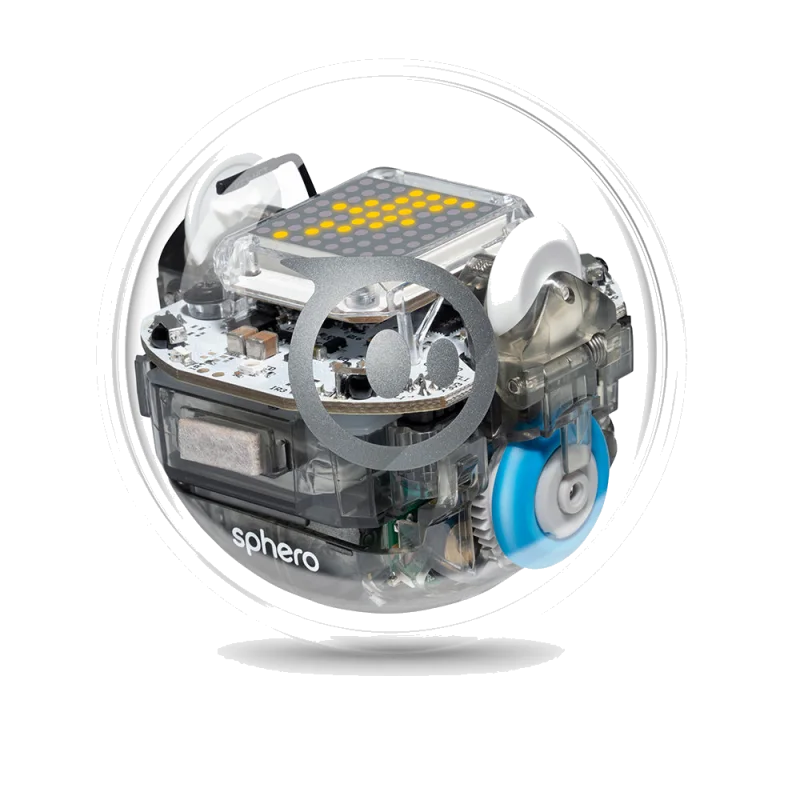
Sphero BOLT (App-enabled robot ball) - A programmable robot ball with an LED matrix and sensors that took our 11-year-old from block code to JavaScript over two weeks Tested Aug 2026 by Team RankingRight
- Draw, block and JavaScript coding in one app that grows with the child
- 8×8 LED matrix, compass, light sensor, infrared for robot-to-robot games
- Used in classrooms; hundreds of free lessons
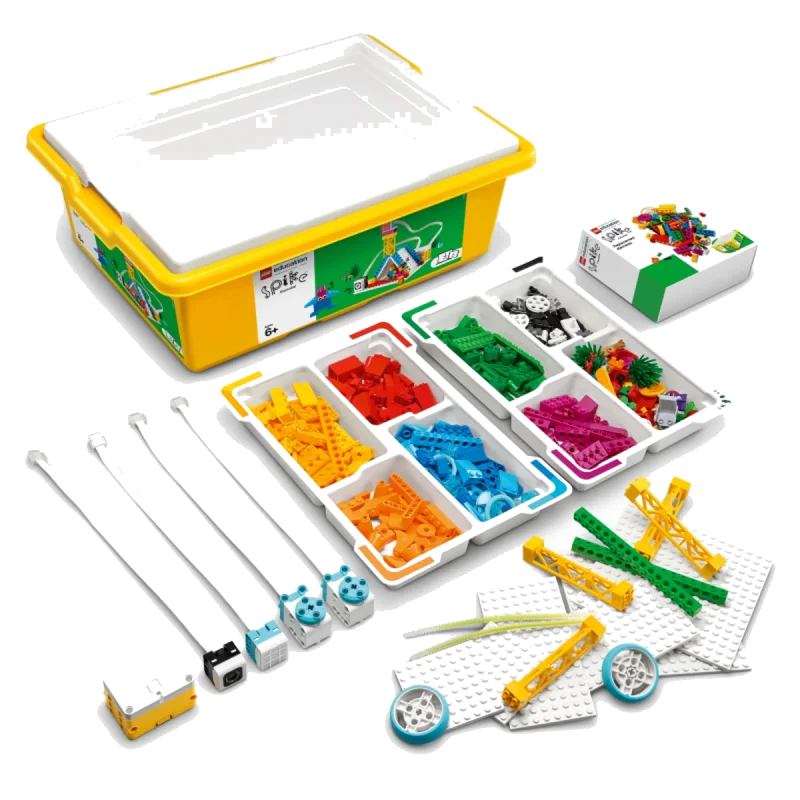
LEGO Education SPIKE Essential (Set 45345) - The classroom LEGO robotics set for ages 6–10: motors, sensors, a hub and story-based coding lessons Tested Aug 2026 by Team RankingRight
- Real motors, colour sensor and a hub with the LEGO you already own
- Story-based lessons made coding make sense to our 7-year-old
- Icon blocks for younger kids, word blocks for older
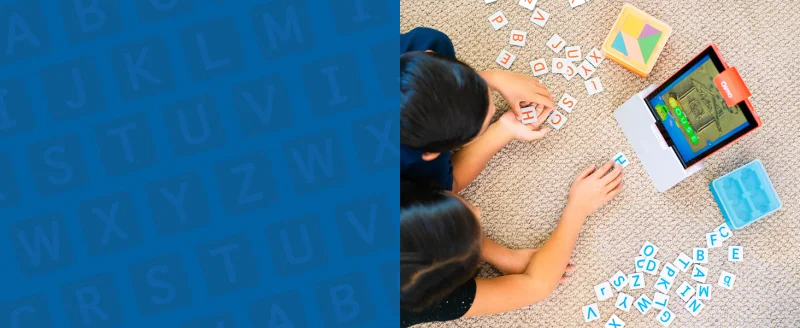
Osmo Genius Starter Kit for iPad (5 games) - Physical pieces the iPad camera can see — tangrams, number tiles, words and drawing — for ages 6 to 10 Tested Aug 2026 by Team RankingRight
- Screen time that involves hands and pieces, not swiping
- Our 7-year-old played Numbers and Tangram unprompted for two weeks
- Setup takes two minutes
More to consider
These 9 come from retailer catalogs. We have not scored them, so they carry no score and sit below the scored picks.
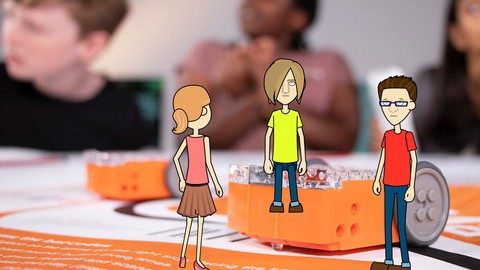 Programming my Robot! - Master Edison Robot - Kids Coding
A kids coding course built around programming the Edison robot, suited to children aged 8 and up. View at Udemy →
Programming my Robot! - Master Edison Robot - Kids Coding
A kids coding course built around programming the Edison robot, suited to children aged 8 and up. View at Udemy →
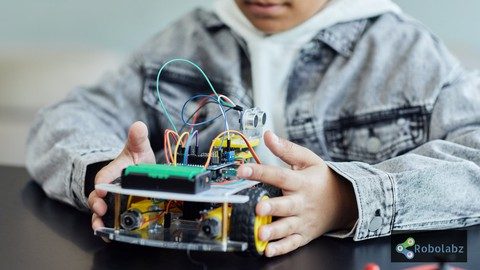 Robotics for Kids : Learn coding while building Robots
A robotics course for kids that teaches coding while building Arduino-based robots. View at Udemy →
Robotics for Kids : Learn coding while building Robots
A robotics course for kids that teaches coding while building Arduino-based robots. View at Udemy →
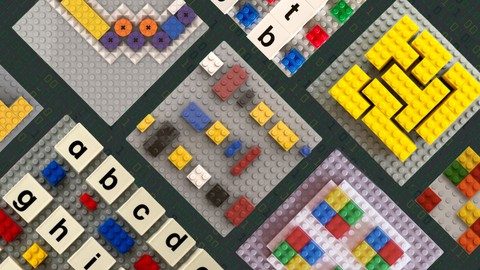 Coding With Bricks | LEGO Based Education For Kids
A LEGO-based coding course for kids aged 5-7 that builds a foundation for coding with bricks. View at Udemy →
Coding With Bricks | LEGO Based Education For Kids
A LEGO-based coding course for kids aged 5-7 that builds a foundation for coding with bricks. View at Udemy →
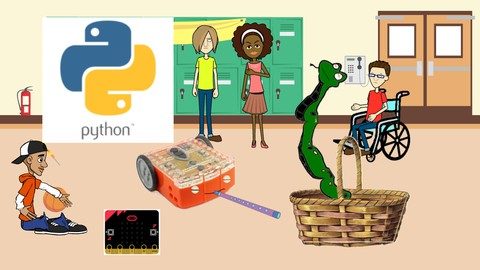 In Python Course - Kids Coding
A practical Python coding course for kids that uses hands-on learning with the Micro:bit and Edison robot. View at Udemy →
In Python Course - Kids Coding
A practical Python coding course for kids that uses hands-on learning with the Micro:bit and Edison robot. View at Udemy →
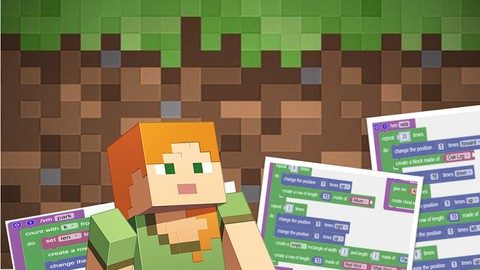 Coding for kids: Learn to program with Minecraft
A kids coding course that teaches programming through Minecraft Java Edition. View at Udemy →
Coding for kids: Learn to program with Minecraft
A kids coding course that teaches programming through Minecraft Java Edition. View at Udemy →
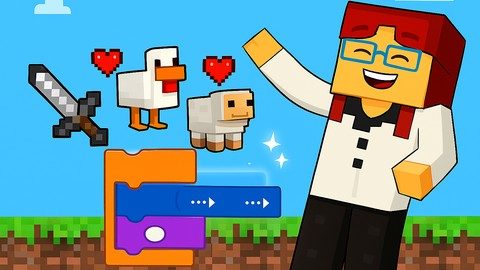 Getting Started with Minecraft Coding (Part 1): For Kids
A beginner block-based coding course for kids using Minecraft Education Edition. View at Udemy →
Getting Started with Minecraft Coding (Part 1): For Kids
A beginner block-based coding course for kids using Minecraft Education Edition. View at Udemy →
 Roblox Coding for Kids 8–12: 2026
A beginner-friendly course that teaches kids 8-12 to make their own games in Roblox Studio. View at Udemy →
Roblox Coding for Kids 8–12: 2026
A beginner-friendly course that teaches kids 8-12 to make their own games in Roblox Studio. View at Udemy →
 Scratch Adventures with AI 2026: Coding for Kids
A beginner-friendly Scratch coding challenge for kids that also covers AI literacy, games and animations. View at Udemy →
Scratch Adventures with AI 2026: Coding for Kids
A beginner-friendly Scratch coding challenge for kids that also covers AI literacy, games and animations. View at Udemy →
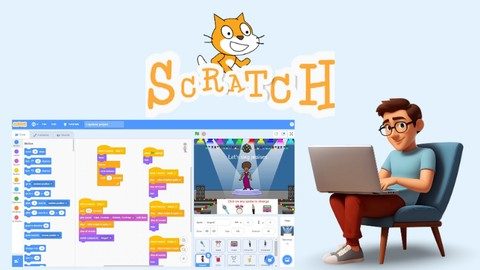 Coding for Kids: Build Games & Animations with Scratch
A Scratch 3 course where kids learn coding by creating games, animations and stories. View at Udemy →
Coding for Kids: Build Games & Animations with Scratch
A Scratch 3 course where kids learn coding by creating games, animations and stories. View at Udemy →
What separates the best coding toys for kids on this page?
Three kits, three different jobs. The Sphero BOLT scores 8.4 and costs $179.99. The same app moves from draw to block to JavaScript, so it grows with the child. The catch: it needs a tablet or phone, and $180 is real money.
LEGO Education SPIKE Essential scores 8 and costs $299.95, the most expensive kit here. You get real motors, a colour sensor and a hub that works with LEGO you already own. Story-based lessons made coding make sense to a 7-year-old, and icon blocks suit younger kids while word blocks suit older ones. It is sold through education channels, so Amazon stock varies.
Osmo Genius Starter Kit for iPad scores 8 and costs $99.99. Physical pieces sit in front of the iPad camera: tangrams, number tiles, words, drawing. Setup takes two minutes, and a 7-year-old played Numbers and Tangram unprompted for two weeks. It needs an iPad or Fire tablet, and the games are school-skill practice rather than open-ended science.
What should you check before buying a coding toy?
The rubric weights learning value 30, engagement 20, build quality and safety 15, parent effort 15 and value 20. Read that as: what will your child actually learn, will they keep coming back, and how much of your evening does it eat?
- Device you already own. BOLT and Osmo both need a tablet. SPIKE Essential runs from its own hub and LEGO.
- Age fit. SPIKE Essential is aimed at ages 6–10, Osmo at 6 to 10. BOLT's draw-to-JavaScript path stretches further.
- Open-ended or practice. Osmo drills school skills. BOLT and SPIKE Essential let kids build and invent.
- Budget. $99.99, $179.99 or $299.95 — pick the one you can justify before the novelty wears off.
Sphero BOLT
Best for a child ready to move from block code to JavaScript, and for families who want robot-to-robot games and hundreds of free lessons.
LEGO Education SPIKE Essential
Best for ages 6–10 who already love LEGO and need motors, sensors and story-based lessons to make coding click.
Osmo Genius Starter Kit for iPad
Best for hands-on learners aged 6 to 10 who need screen time that involves pieces, not swiping, and a setup that takes two minutes.
For a child ready to write real code, the Sphero BOLT at 8.4 is the pick. If LEGO is already in the house and you want motors and sensors, SPIKE Essential fits ages 6–10. For hands-on practice with pieces and a two-minute setup, the Osmo Genius Starter Kit for iPad is the cheapest way in.
Related guides
Questions about best coding toys and robots for kids
*Scores: Learning value 30 · Engagement 20 · Build quality & safety 15 · Parent effort 15 · Value 20; score = Σ ÷ 10. Prices shown were checked on the date beside each and may change. Affiliate links are added only after a score is locked and can never change it. How we rank.