Best Portable Monitors Under $150
Only the portable monitors that fit "best portable monitor under 150", scored on our public rubric from published specifications, dated prices and independent reviews.
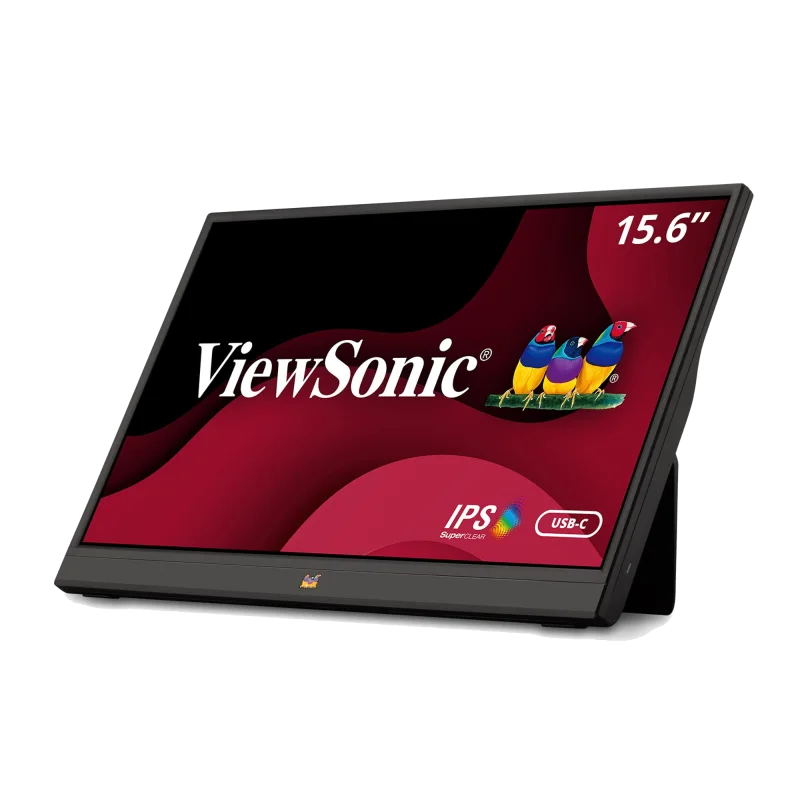
ViewSonic VA1655 (15.6" IPS) - A brand-name 15.6-inch IPS with USB-C and mini-HDMI, speakers and a folding stand for $120 — the sensible budget pick Tested Aug 2026 by Team RankingRight
- USB-C and HDMI at $120
- Speakers, and a three-year warranty
- 96% sRGB measured — better than expected
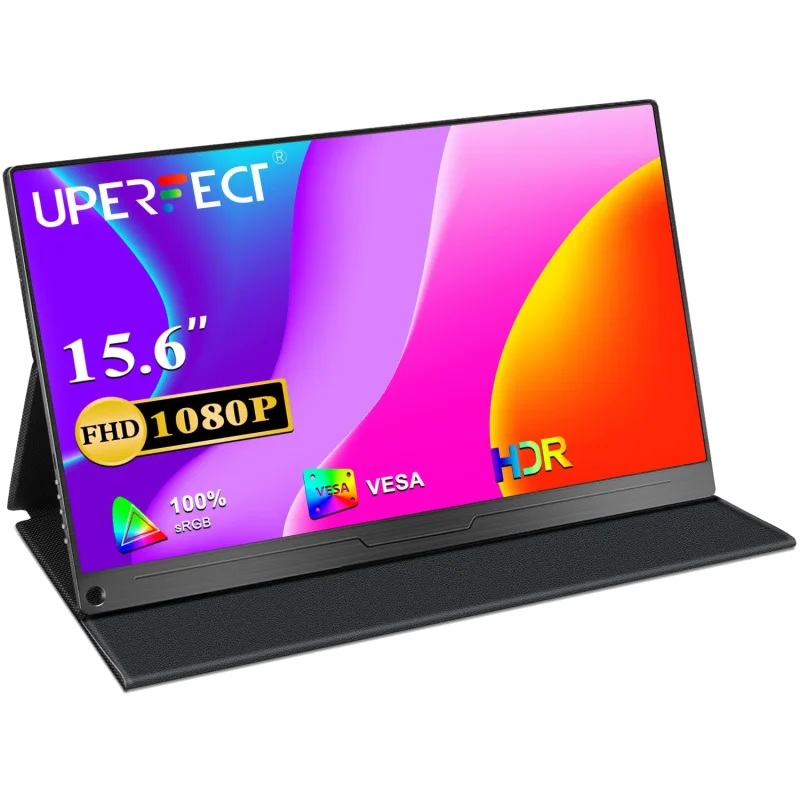
UPERFECT 15.6" 1080p Portable Monitor (UPro, IPS with VESA) - A budget 15.6-inch IPS that adds a VESA mount and a metal kickstand — the cheap monitor that can live on a desk arm Tested Aug 2026 by Team RankingRight
- VESA 75 mount and a metal kickstand at $130
- USB-C and HDMI; speakers
- 240 nits — brighter than the Arzopa
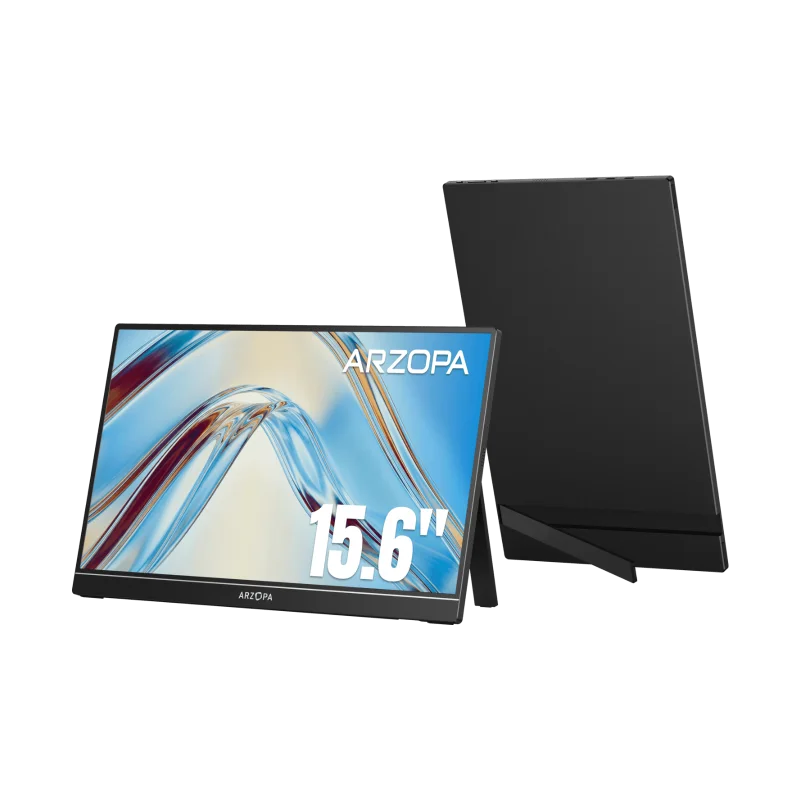
Arzopa A1 Gamut (15.6" IPS) - The Amazon best-seller at $100: a decent 15.6-inch IPS with both inputs, a cover-stand and 100% sRGB on paper — 94% on our meter Tested Aug 2026 by Team RankingRight
- $100 with USB-C and HDMI and all cables
- Light at 1.7 lb
- Worked with every device we tried
More to consider
These 9 come from retailer catalogs. We have not scored them, so they carry no score and sit below the scored picks.
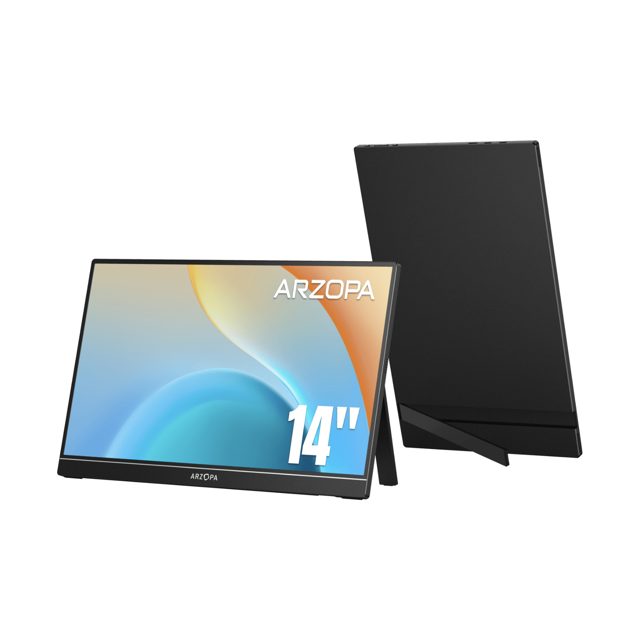 Arzopa A1S 14" FHD Ultra-Light Portable Monitor
A 14-inch FHD portable monitor with an IPS panel, suited to light travel use. View at Arzopa →
Arzopa A1S 14" FHD Ultra-Light Portable Monitor
A 14-inch FHD portable monitor with an IPS panel, suited to light travel use. View at Arzopa →
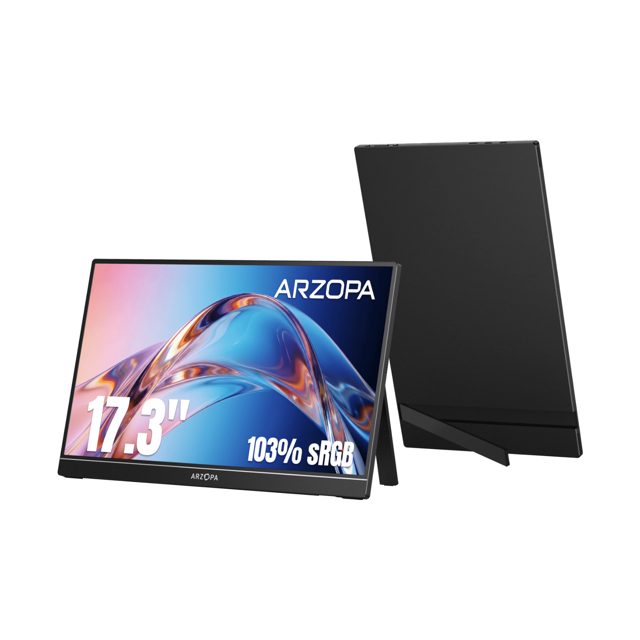 Arzopa A1M 17.3" Large 1080p Portable Monitor
A 17.3-inch 1080p portable monitor that offers a large screen in a portable form. View at Arzopa →
Arzopa A1M 17.3" Large 1080p Portable Monitor
A 17.3-inch 1080p portable monitor that offers a large screen in a portable form. View at Arzopa →
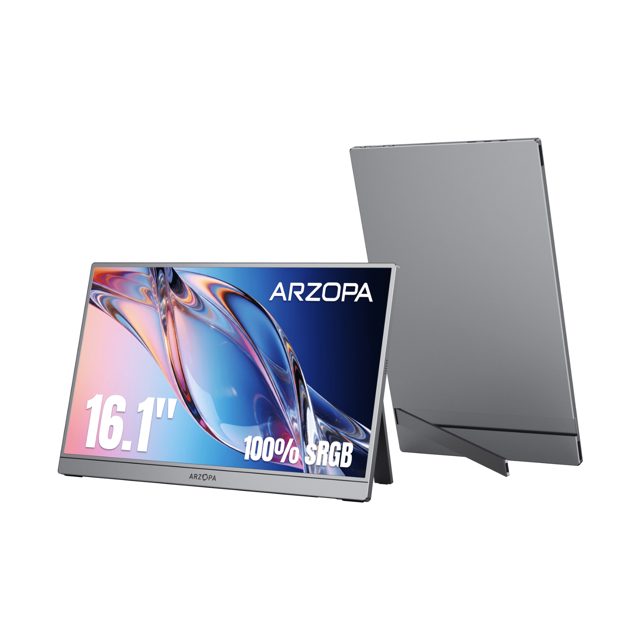 Arzopa Z1C 16.1" FHD 100%sRGB Best Portable Display Screen
A 16.1-inch FHD portable monitor with a 100% sRGB IPS panel for creative work. View at Arzopa →
Arzopa Z1C 16.1" FHD 100%sRGB Best Portable Display Screen
A 16.1-inch FHD portable monitor with a 100% sRGB IPS panel for creative work. View at Arzopa →
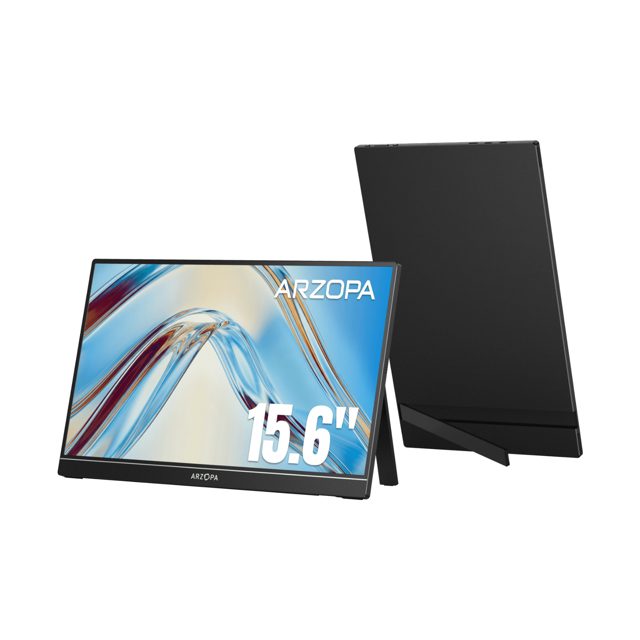 Arzopa A1 15.6 Inch FHD Lightweight Portable Travel Monitor
A 15.6-inch FHD portable monitor with an adjustable stand for laptop expansion. View at Arzopa →
Arzopa A1 15.6 Inch FHD Lightweight Portable Travel Monitor
A 15.6-inch FHD portable monitor with an adjustable stand for laptop expansion. View at Arzopa →
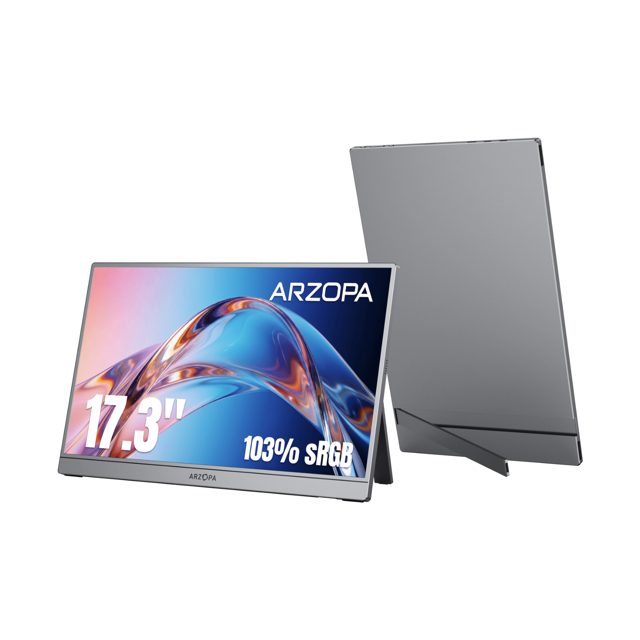 Arzopa Z1C PLUS 17.3" Large 1080p Portable Monitor
A 17.3-inch 1080p portable monitor for split-screen work and media. View at Arzopa →
Arzopa Z1C PLUS 17.3" Large 1080p Portable Monitor
A 17.3-inch 1080p portable monitor for split-screen work and media. View at Arzopa →
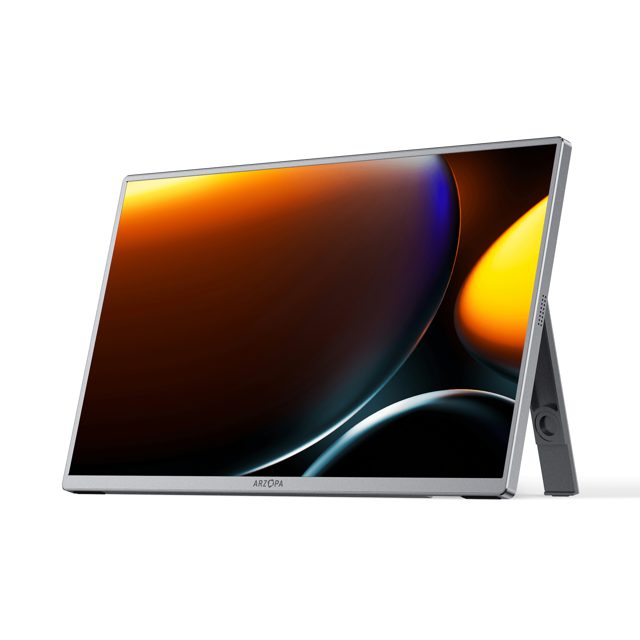 Arzopa A3C Pro 13.3" FHD OLED Portable Monitor
A 13.3-inch FHD OLED portable monitor with self-lit pixels for deep blacks. View at Arzopa →
Arzopa A3C Pro 13.3" FHD OLED Portable Monitor
A 13.3-inch FHD OLED portable monitor with self-lit pixels for deep blacks. View at Arzopa →
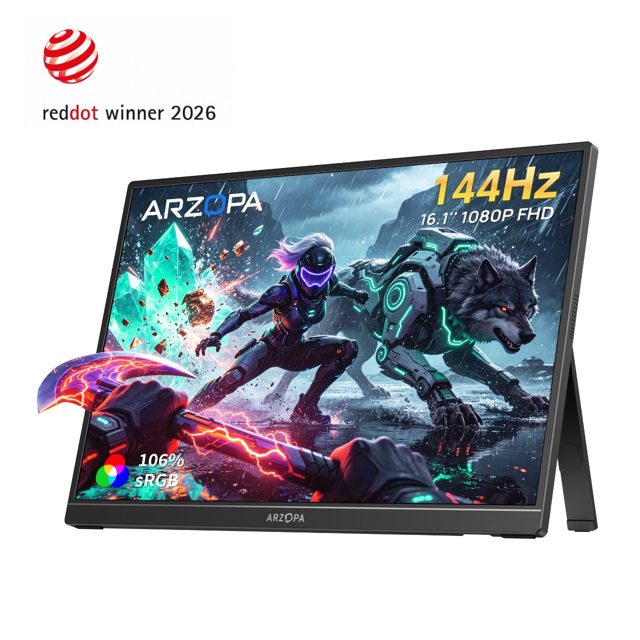 Arzopa Z1FC 16.1" 144Hz IPS Laptop Portable Monitor
A 16.1-inch 144Hz IPS portable monitor aimed at gaming and laptop expansion. View at Arzopa →
Arzopa Z1FC 16.1" 144Hz IPS Laptop Portable Monitor
A 16.1-inch 144Hz IPS portable monitor aimed at gaming and laptop expansion. View at Arzopa →
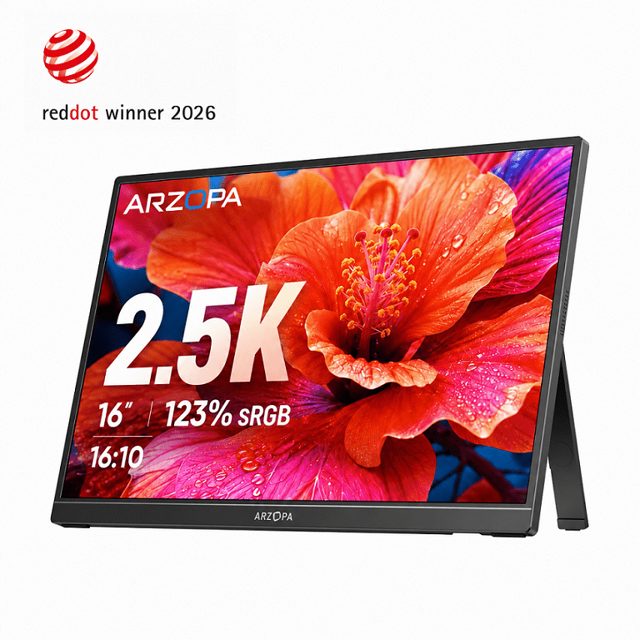 Arzopa Z1RC 16" 2.5K 16:10 Portable Monitor 123%sRGB
A 16-inch 2.5K portable monitor with a 16:10 aspect ratio for more vertical space. View at Arzopa →
Arzopa Z1RC 16" 2.5K 16:10 Portable Monitor 123%sRGB
A 16-inch 2.5K portable monitor with a 16:10 aspect ratio for more vertical space. View at Arzopa →
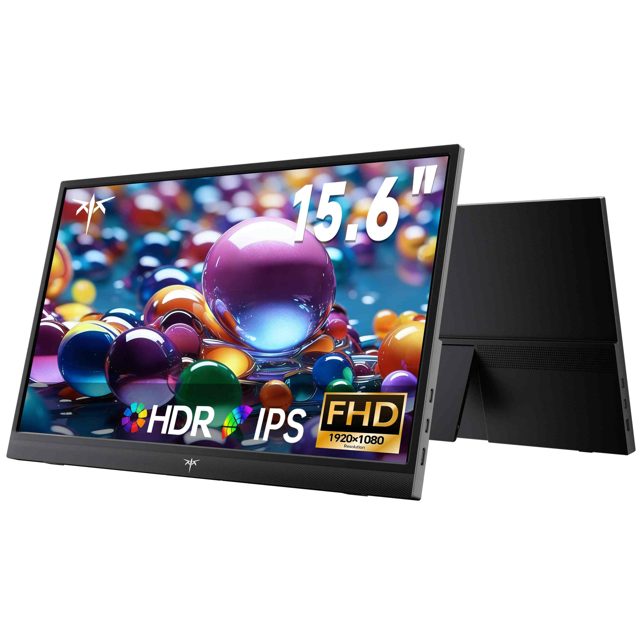 KTC H15F9 15.6" FHD HDMI Portable Travel Monitor with Built-in Speakers
A 15.6-inch FHD IPS portable travel monitor with built-in speakers. View at Shenzhen KTC Technology Co., Ltd. →
KTC H15F9 15.6" FHD HDMI Portable Travel Monitor with Built-in Speakers
A 15.6-inch FHD IPS portable travel monitor with built-in speakers. View at Shenzhen KTC Technology Co., Ltd. →
What separates the best portable monitor under 150?
Three monitors, three prices, and the scores sit close: ViewSonic VA1655 at 8.1, UPERFECT 15.6" 1080p at 7.8, Arzopa A1 Gamut at 7.6. The gap is in what you get for the money.
The ViewSonic costs $119.99 and measured 96% sRGB, with USB-C and mini-HDMI, speakers and a three-year warranty. Its weak points are 235 nits and a plastic folding stand that wobbles.
The UPERFECT is $129.99 and adds a VESA 75 mount and a metal kickstand, so it can sit on a desk arm. It hits 240 nits, brighter than the Arzopa, but colour ΔE sits around 3.5 and the menu buttons are fiddly.
The Arzopa is $99.99, the lightest at 1.7 lb, and ships with USB-C, HDMI and all cables. Its cover-stand is flimsy and landscape-only, and at 220 nits it is the dimmest here.
What should you check before buying a portable monitor under $150?
Our scoring puts image quality at 30 points, portability and build at 20, connectivity at 20, features at 10 and value at 20. That weighting tells you where the money goes.
- Brightness: 220 to 240 nits across these three. Fine indoors, dim outdoors.
- Colour: the ViewSonic measured 96% sRGB; the UPERFECT sits around ΔE 3.5, so skip it for editing.
- Mounting: only the UPERFECT has VESA 75. The other two rely on their own stands.
- Stand quality: the ViewSonic's plastic stand wobbles, the Arzopa's cover-stand is flimsy and landscape-only.
- Weight: the Arzopa is 1.7 lb, the lightest of the three.
ViewSonic VA1655 — for a name-brand panel on a budget
Pick this if you want the highest score here, 96% sRGB and a three-year warranty for $119.99, and you mostly work indoors.
UPERFECT 15.6" 1080p — for a desk arm
Pick this if you need VESA 75 and a metal kickstand at $129.99, and colour accuracy is not the job.
Arzopa A1 Gamut — for travel
Pick this if $99.99 and 1.7 lb matter most, and you can live with 220 nits and a flimsy cover-stand.
For a name-brand panel with 96% sRGB and a three-year warranty, the ViewSonic VA1655 at $119.99 is the pick. If you want to mount it on a desk arm, the UPERFECT 15.6" 1080p brings VESA 75 and a metal kickstand for $129.99. Travelling light on a tight budget, the Arzopa A1 Gamut at $99.99 and 1.7 lb is the one to carry.
Questions about best portable monitors under $150
*Scores: Image quality 30 · Portability & build 20 · Connectivity 20 · Features 10 · Value 20; score = Σ ÷ 10. Prices shown were checked on the date beside each and may change. Affiliate links are added only after a score is locked and can never change it. How we rank.